|
|
|
119 zł
|
|
price without VAT: 96,75 zł
|
| |
 Shop online: Shop online:
● ready for shipping
Shop in Warsaw (qty): 10+
● ready for shipping
Shop in Chorzow (qty): 4
● ready for shipping
|
|
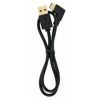
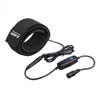
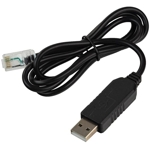
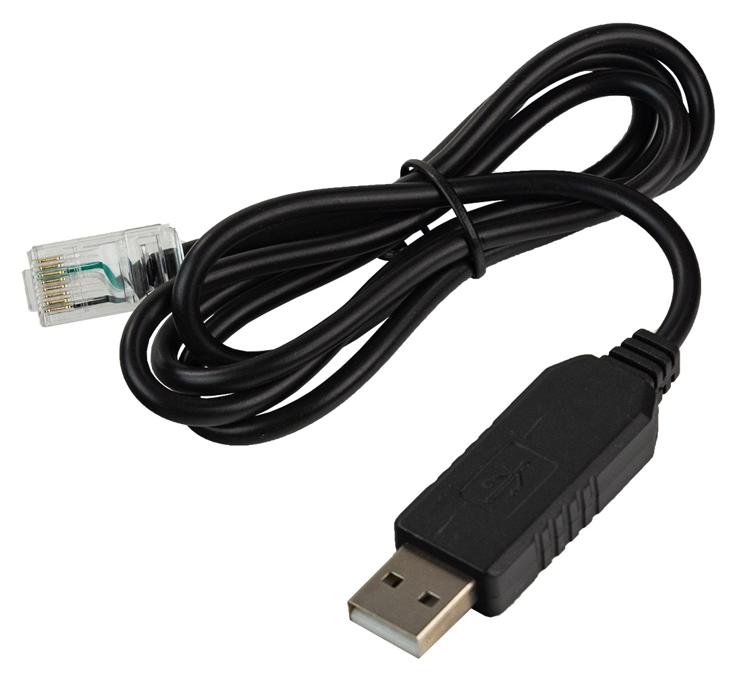
EQDIRECT / EQMOD connecting cable for Sky-Watcher mounts. Allows you to control the mount directly from your PC, bypassing the remote control. Compatible with ZWO AsiAir controllers.
The cable fits all new Sky-Watcher mounts with GoTo (the mount must have a Hand Controller RJ-45 port). • compatible mounts: Sky-Watcher EQ3-2 PRO, EQ5 PRO, HEQ-5 / HEQ5 SynScan, AZ-EQ6, AZ-EQ5, EQ8 (all versions), Orion Atlas PRO AZ / EQ-G, new versions of EQ6 / EQ6-R with RJ-45 output; upgrade kit EQ3-2 and EQ5
• plugs: RJ-45 / USB
• length: 95 cm
• weight: 27 g
Note: Newer mount models may have a USB cable and allow connection without the remote control via USB. 1. Connect the cable to the USB port on your computer
2. In the device manager, check which port the cable was installed on (COM and LPT ports ->COMx where x is 1, 2, 3, ... 16)
3. Install the ASCOM platform ( https://sourceforge.net/projects/eq-mod/files/ASCOMPAD/ )
4. Install the EQMOD program ( https://sourceforge.net/projects/eq-mod/files/EQASCOM/ )
5. In the EQASCOM Toolbox, which is part of the ASCOM suite, check whether eqmod.exe is set

6. The ASCOM program must be configured to use the appropriate mount by specifying its name and the appropriate COM port.
7. Return to ASCOM Dome Control and click "connect"
|